Creative directorComes up with the campaign idea and sets the style.
working
IDEXIUM Team · an AI team in Telegram
A team runs your social media.
A team runs your social media.
You just approve
24 AI specialists prepare posts, publish on schedule, answer clients and measure the results. You open Telegram, read and press one button.
Team is included in the VIP plan. Already on VIP? Open in Telegram
- YouTube, Telegram, Instagram, VK, Facebook, Threads, TikTok
- Approve posts in one click
- In English, Russian and Armenian

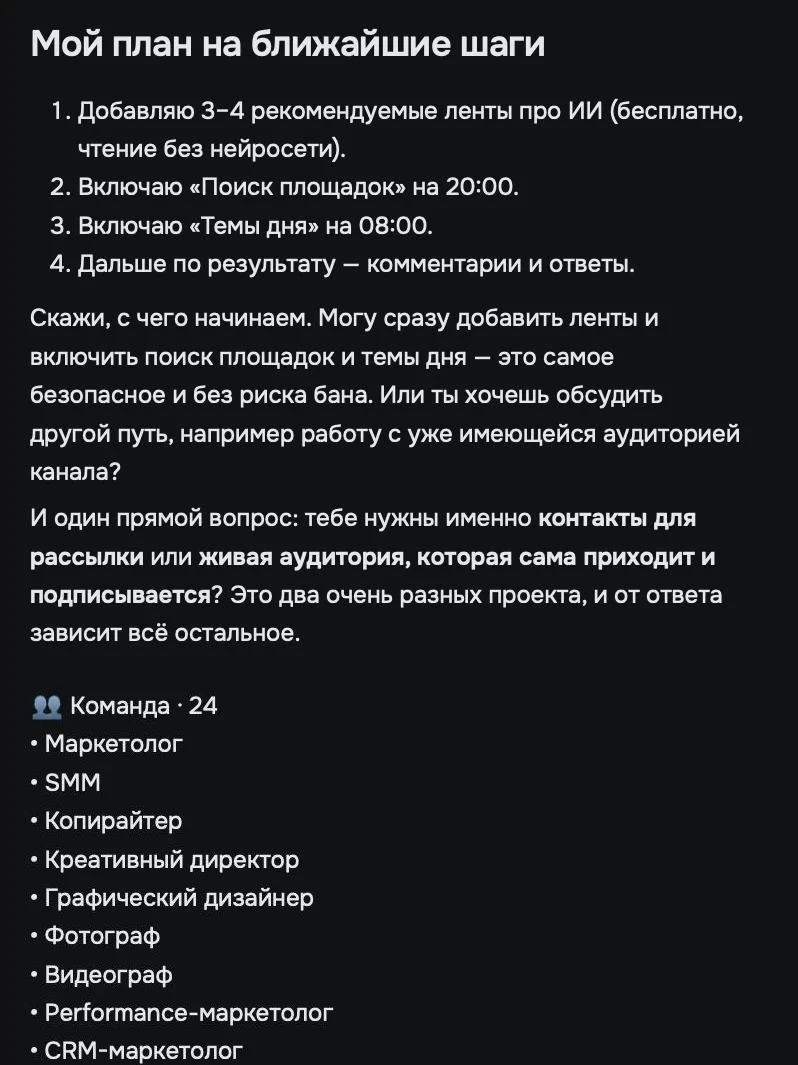
Team24 specialists
24 specialists
who never take a vacation
Each one is responsible for their own area, and they work together like a marketing department. Here’s how one post goes through the team.
One post · five specialists
- MarketerChoosing a topic…Topic: autumn bouquets
- CopywriterWriting the text…Text ready
- ProofreaderProofreading…No mistakes
- Graphic designerMaking the cover…Cover in your style
- Telegram specialistScheduling for 10:05…Published
The whole team
MarketerFinds where to get clients and suggests topics.
workingPR managerGets media coverage and protects your reputation.
workingLawyerChecks contracts and promises in ads.
workingCopywriterWrites copy, emails and slogans in your voice.
workingProofreaderProofreads the text without changing the meaning.
workingGraphic designerCovers, banners and infographics in your style.
workingPhotographerPhotos of products, people and places: retouching and backgrounds.
workingVideographerA complete video: script, editing, voice-over.
workingSMM specialistRuns channels and answers people in chat.
workingTelegram specialistPosts, channel and chat growth, bots.
workingInstagram specialistCarousels, reels and stories.
workingYouTube specialistVideos and Shorts, titles and thumbnails.
workingVK specialistPosts, clips and community messages.
workingThreads specialistShort posts, threads and replies.
workingTikTok specialistShort videos and trends.
workingX specialistPosts and threads, replies and growth.
workingFacebook specialistPage and groups: posts and replies.
workingPerformance marketerPaid ads and lead tracking.
workingGoogle Ads specialistCampaigns in Google. Launched on your “yes”.
workingYandex Direct specialistCampaigns in Yandex Direct. Launched on your “yes”.
workingSEO specialistSo people find you in search and in AI answers.
workingCRM marketerNewsletters that bring clients back to buy again.
workingMarketplace managerProduct cards, prices and reviews.
workingOne dayYou’re busy with your business,
You’re busy with your business,
while the team works
Topic of the day
The marketer sends three topics for today. You pick one or write your own.
Post ready
The copywriter wrote the text, the designer made the image. You read it and press “Approve”. Don’t like it? Write “shorter” or “add the price”.
Publishing
The post went out on all connected social networks at once.
A client’s question
Someone asked about the price in the comments. The team answered from your price list and passed the contact to you.
Request
A new message in a messenger. The team clarified the request and added the lead to the shared list.
Results of the day
A short report: how many people saw the post, how many wrote, what worked best.
The whole day took you three minutes.
What’s insideNine sections,
Nine sections,
one chat
Home
In the morning you see what matters: what’s waiting for your decision, what goes out today and who wrote. One button takes you to the task.
- Waiting for a decision
- Going out today
Clients
Comments and messages from all social networks in one list. The team answers from your price list and hands the leads to you.
- All social networks in one list
- Leads separately
Chat
Give tasks in plain words: “Make a post about the discount before Friday”. The team clarifies the details and gets to work.
- Understands ordinary speech
- You can write to any specialist
Content
All ideas, drafts and finished posts in one place. Open a post, adjust the text or cover and press “Publish”.
- Ideas, drafts, finished
- Text and cover side by side
Projects
Each project has its own description, goals and platforms. The team never mixes one project up with another.
- Project description and goals
- Its own platforms
Platforms
Connect your social networks once: YouTube, Telegram, Instagram, VK, Facebook, Threads, TikTok. An approved post goes out to all enabled platforms at once.
- Seven social networks
- Turned on one by one
Analytics
Followers, views and the best time to post for each platform. The team explains what worked by itself.
- Numbers for each platform
- Conclusions in plain words
Autopilot
Turn rules on one at a time: posts to plan, topics of the day, replies to clients, reports. Each rule has its own mode: the team does it itself or waits for your decision.
- Rules turn on one by one
- On its own or with your decision
Settings
Connections, knowledge about your business, specialists and autopilot. Tell the team about yourself once, and it remembers it in every post.
- Knowledge about your business
- Your own AI models by key
ClientsNot a single message
Not a single message
left unanswered
Questions from comments and messengers across all seven social networks land in one list. The team answers simple ones itself and passes complex ones to you with a short summary.
YouTubevideo commentsTelegrammessages and commentsInstagramDMs and commentsVKcommunity messagesFacebookmessages and commentsThreadsreplies to postsTikTokvideo comments
All messagesthe team is online
AnnaHow much is delivery?Answered
MarinaI need a bouquet for an anniversary on SaturdayRequest
OlegCan I place a wholesale order?Waiting for you
IrinaAre you open on Sunday?Answered
SvetlanaDo you have bouquets without lilies?Answered
DenisI want to order for February 14 in advanceRequest
ArtyomCan you make an arrangement for an office?Waiting for you
AnalyticsNumbers you
Numbers you
can actually read
How many people saw it, how many wrote, which post brought leads. In plain words, without exports.
New followers038% more than last week
Wrote to you0everyone answered within a minute
Leads0best post: price in the text
ProjectsEvery project
Every project
has its own team
Running two businesses or ten clients? Each project has its own brand, its own publishing plan and its own channels. Nothing gets mixed up.
Autumn sale: 15% off all bouquets until Friday 🌷
brand coloursApproved
next in the planWedHow to choose a bouquetFriClient reviewSunNew collection
Book an oil change online. Free slots this week.
brand coloursApproved
next in the planWedPre-winter checklistFriAsk the mechanicSunTyre fitting deal
Who it’s forYou need social media,
You need social media,
but there’s no one to run it
For experts and bloggers
Your channel stays alive even when you’re on a shoot or on vacation.
For shops and salons
Promotions, new arrivals and answers to “how much is it” without an administrator.
For small businesses
Social media gets done every day, not when you finally get around to it.
For SMM specialists and agencies
More clients without new hires: each client has their own project.
How to startThree steps
Three steps
to your first post
IDEXIUM
IDEXIUM plans
MaximumVIP
200 $/mo
The whole ecosystem.
- Team: a marketing bot with specialists
- Date records (NFT) available to buy
- Partner program: 3 levels
Sign up · VIP plan
Create an account
One account for the site, the app and the bot.
Continue with GoogleLog in with Yandex ID
or email
[email protected]VIP plan connected
Account created. Now open the IDEXIUM Team bot in Telegram.
Step 1
Choose the VIP plan
Team is included in the VIP plan. Choose it and create an IDEXIUM account; it takes a minute.
IDEXIUM Teambot
What can this bot do?24 specialists run your social media: they write posts, answer clients and send reports. You just approve.
/start
Hello! I’m IDEXIUM Team. Connect your social networks, and the team will get to work:
TelegramYouTubeInstagramVKFacebookThreadsTikTok
Channel connected. I’ll send the first post today.
Start
Step 2
Start the bot and connect your channel
Open the IDEXIUM Team bot in Telegram, press “Start” and connect your social networks. Nothing to install. Open in Telegram
IDEXIUM Teambot
The first post is ready. Take a look:
Autumn sale: 15% off all bouquets until Friday 🌷
ApproveEdit
FFlower workshopchannel · 1,280 subscribers
Autumn sale: 15% off all bouquets until Friday 🌷 Message us and we’ll put a bouquet together by the time you need.
0Published · 10:05
Step 3
Approve your first post
The team sends a finished post to the bot. Press “Approve”, and it goes out on your social networks.
Team is included in the VIP plan.
Choose VIPQuestionsThe essentials in brief
The essentials in brief
about Team
Didn’t find the answer? Write to us.
How much does Team cost?
Team is included in the VIP plan: 200 $ a month. It isn’t included in the Mini, Basic and Pro plans or in the 3-day trial.
Do posts go out without my knowledge?
No. By default every post waits for your approval. Only posts under autopilot rules you’ve turned on go out by themselves.
Does the team write “like a robot”?
No. In “Tone of voice” you set the style, and in “Brand” you tell it about yourself. The more the team knows, the more precisely it writes.
Which social networks are supported?
YouTube, Telegram, Instagram, VK, Facebook, Threads, TikTok.
Which languages does the team work in?
English, Russian and Armenian.
Do I need to install anything?
No. Team works in Telegram: the IDEXIUM Team bot.
What if a client asks a tricky question?
The team doesn’t make up an answer; it passes the question to you.
Can I run several companies?
Yes, each has its own project.